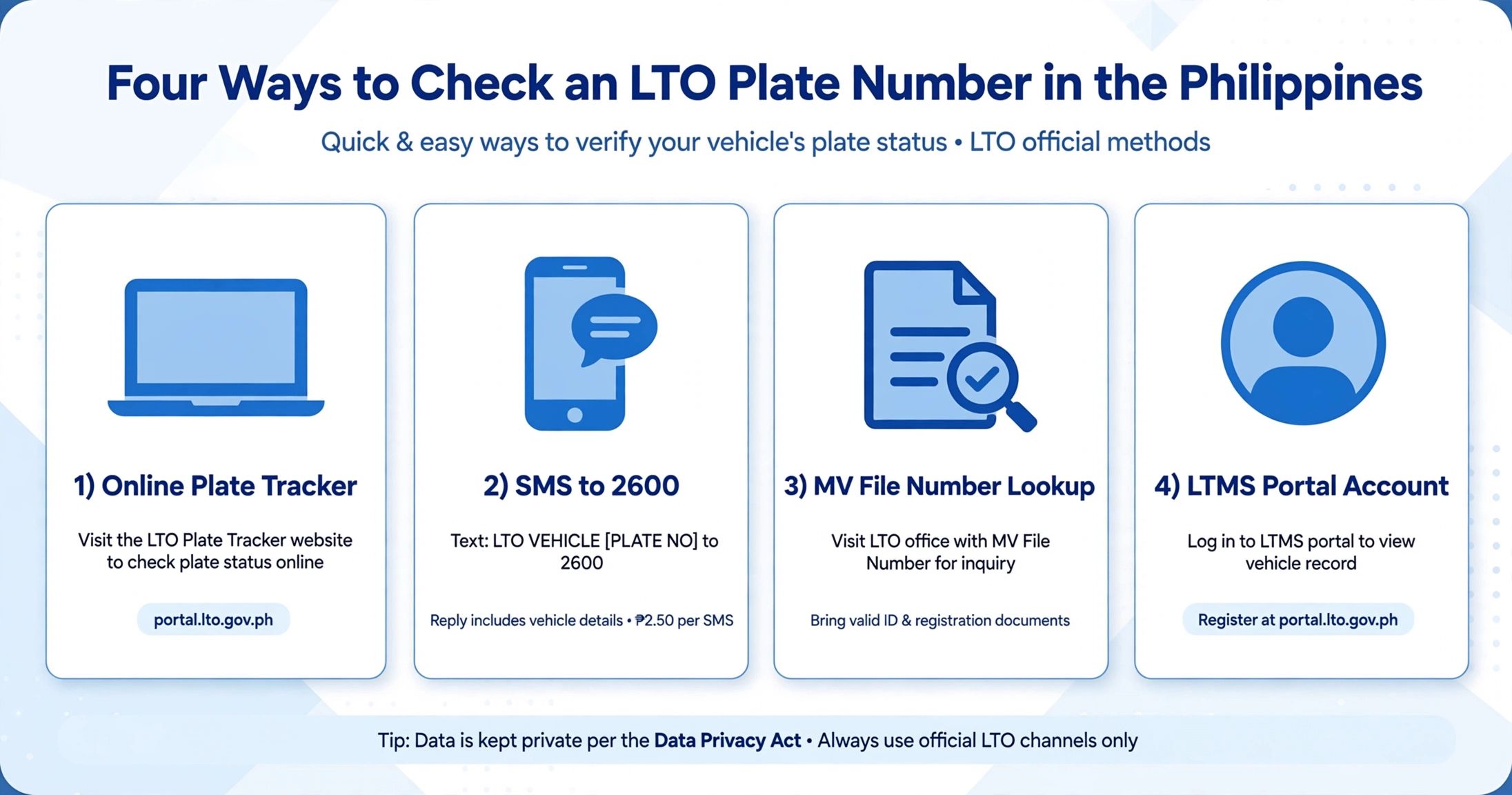
In short: You can verify an LTO plate number through four official methods today. The online tracker, SMS service, MV file lookup, and LTMS portal all work. This guide explains each method, common mistakes, and privacy rules.
Key Takeaways
- Match your situation to the right method before starting any check.
- The SMS format is LTO VEHICLE, your plate number, sent to 2600.
- Secondhand buyers should always check for alarms before paying anything.
- Confusing the letter O with zero causes many failed verification attempts.
- Your privacy is protected because owner identities are never disclosed publicly.
Why Check Your Plate Number?
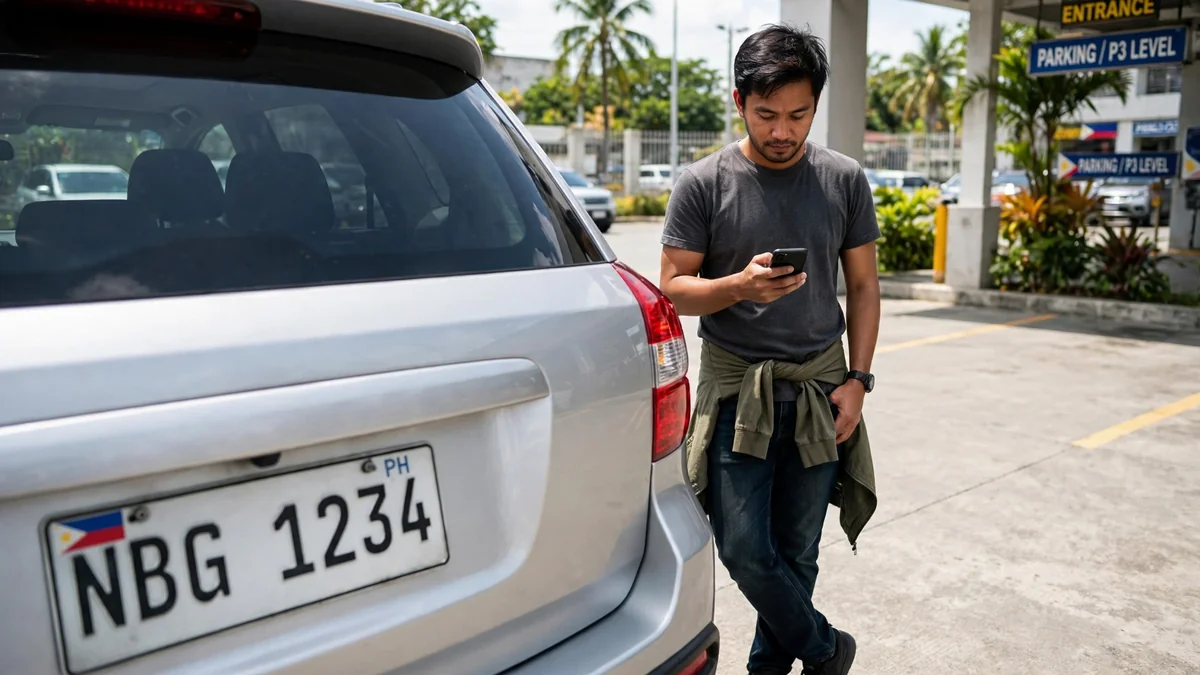
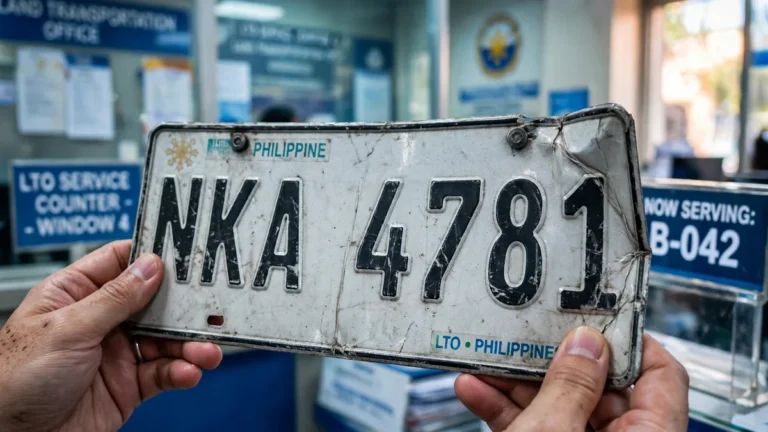
Filipino drivers check plate numbers for three very common reasons today. New owners want to know when their physical plate arrives. Buyers verify secondhand vehicles before handing over any cash payment.
Drivers also check whether their vehicle record carries an LTO alarm. An alarm blocks renewal until the underlying issue gets resolved. Knowing your record status early prevents stressful surprises at the counter.
Method 1: Online Plate Tracker
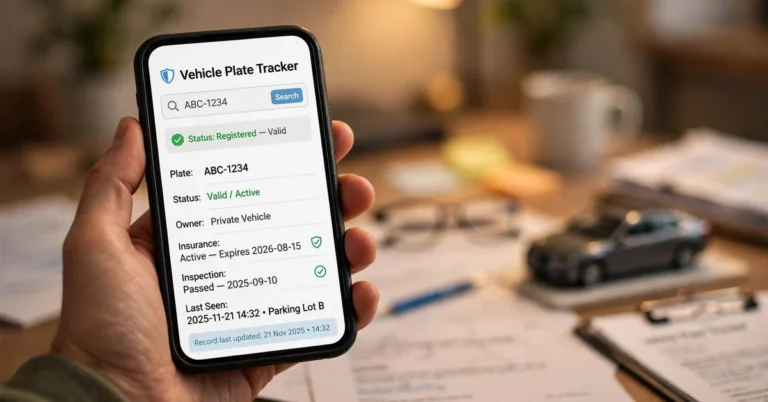
The online tracker is the fastest way to check plate release status. Open the official LTO-NCR inquiry page in your browser first. Select the inquiry type that matches your plate situation exactly.
Enter your plate number and complete the verification checkbox step. Your result shows the release status and handling office details. Screenshot the result if you plan any in-person follow-up visit.
Method 2: SMS Verification to 2600
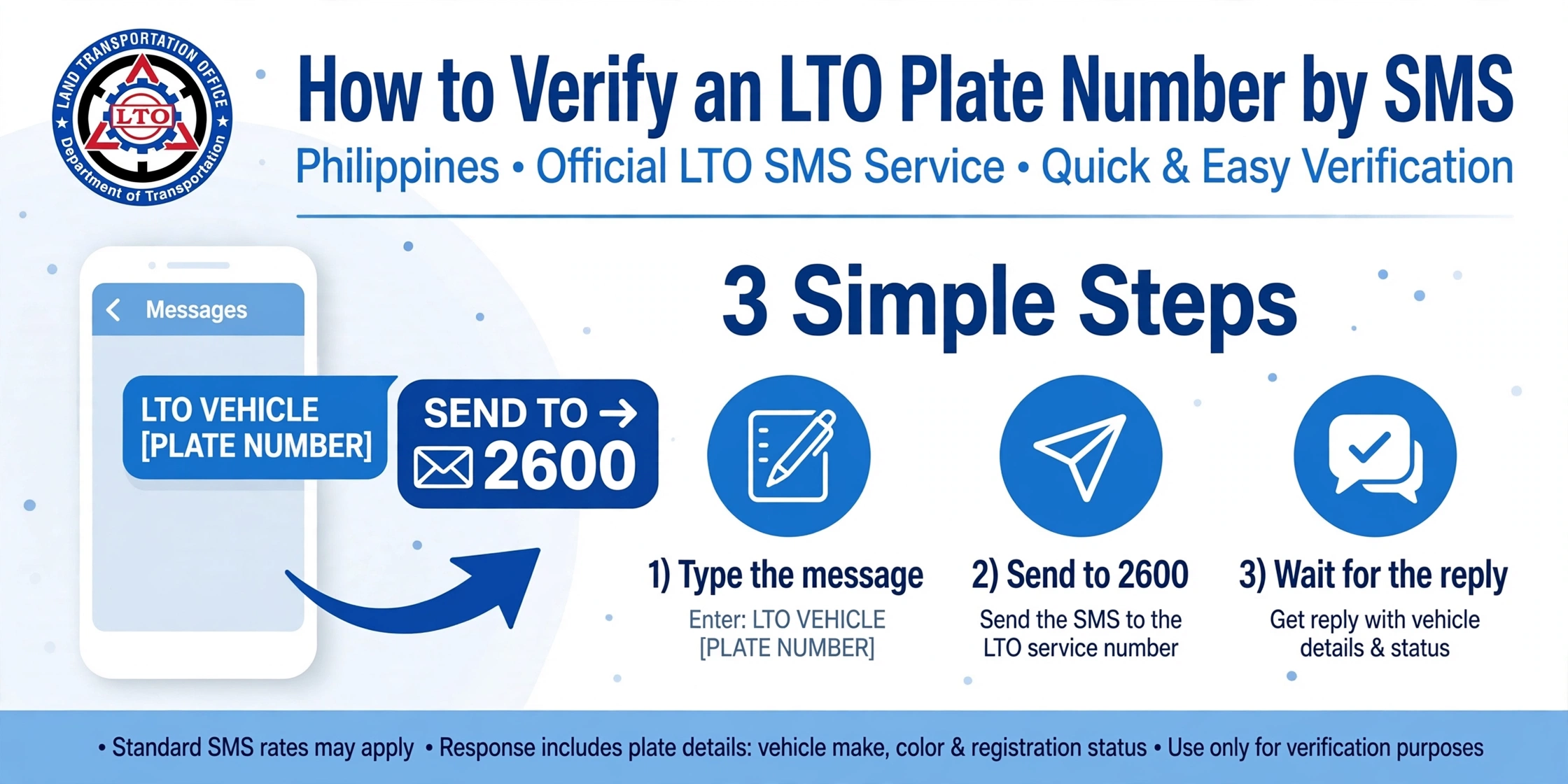
No internet connection is needed for this official SMS verification method. Open your messaging app and type the exact format below. Send your message to the number 2600 and wait briefly.
SMS Format
Text LTO VEHICLE, followed by your plate number, to 2600.
The reply typically includes the plate details and any alarm flag. Each query usually costs around two pesos and fifty centavos. This method works from any mobile phone in the Philippines.
Vehicles without an assigned plate number use a slightly different format. Text VEHICLE followed by your MV file number to 2600. This useful variant helps motorcycle owners waiting for their backlog plates.
Method 3: MV File Number Lookup
Your MV file number works when no plate number exists on record. Find the 15-digit number on your OR or CR first. The backlog inquiry tool accepts this number as its search key.
Strip the leading zeros after the dash before entering the number. Type 1301-1002045 instead of the full 1301-00001002045 in the field. Skipping this simple step causes most failed lookup attempts online today.
Read our complete guide on how to find your MV file number first.
Method 4: LTMS Portal Full Record
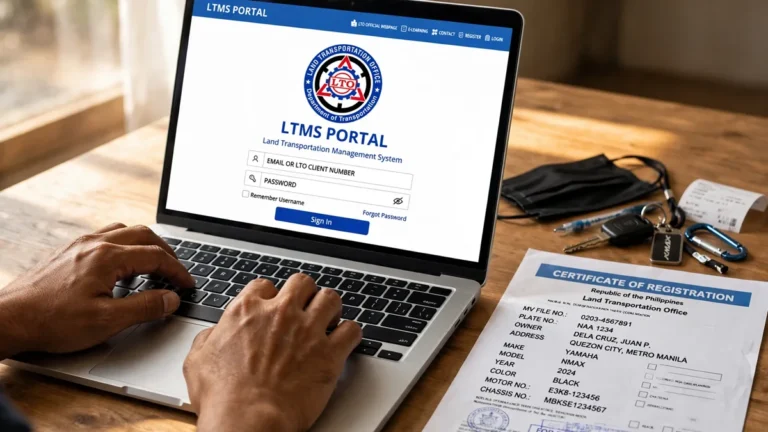
The LTMS portal shows your complete vehicle record beyond basic status. Log in with your registered email or LTO client number first. Navigate to the vehicle section inside your account dashboard area.
This portal also reveals apprehensions and violations tied to your plate. It suits owners who need more than a simple release status. Checking here protects you from unofficial third-party data collectors online.
For Secondhand Buyers: Check Before You Pay
An alarm from the previous owner can follow the vehicle after sale. Always verify the alarm status before paying for any used vehicle. A quick status check today prevents very expensive problems tomorrow.
Use the SMS method or LTMS portal to check for alarm flags. For suspected theft or carnapping cases, contact the PNP Highway Patrol Group. Their national database gives more detail than LTO records alone.
Mistakes That Cause Failed Checks
Screenshot Tip
Screenshot every successful result before closing your browser window today. LTO counter staff often ask for proof of prior online inquiries. A saved screenshot speeds up any in-person follow-up visit considerably.
Your Privacy Is Protected
The LTO follows the Data Privacy Act of 2012, or RA 10173. Public inquiry tools never disclose the registered owner’s personal identity. You will only see vehicle details and alarm status information.
This protection applies to SMS replies and online tracker results equally. Only the registered owner can access full personal records via LTMS. Never share your LTMS login credentials with any other person.

3 Comments