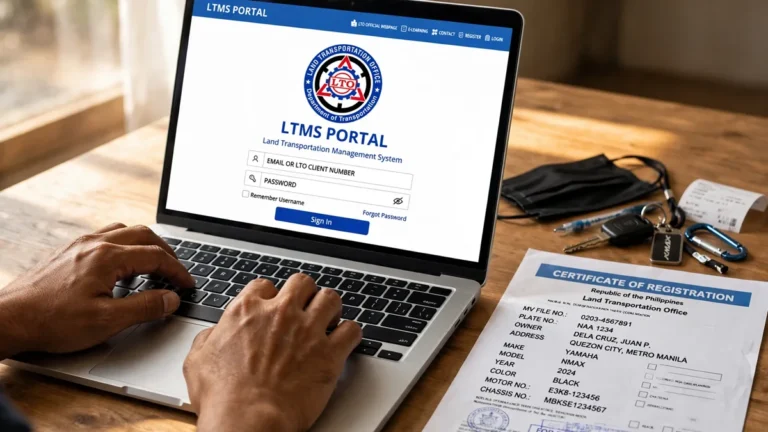
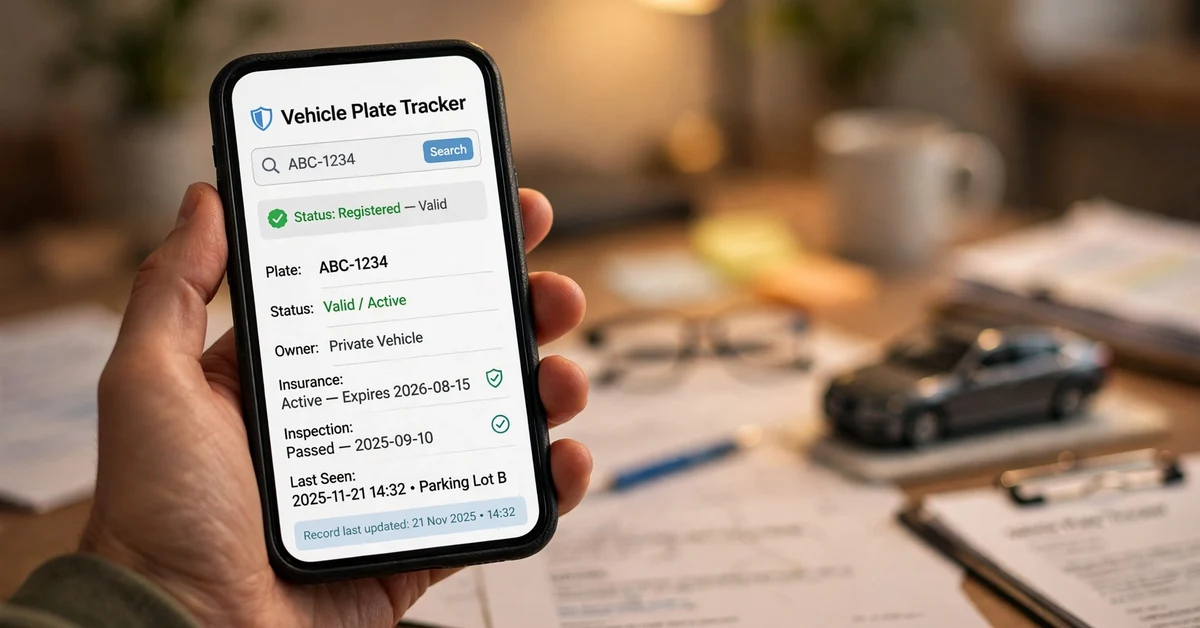
You can check your LTO plate number online through the official LTO tracker using your MV file number or assigned plate number; it takes minutes and shows processing / ready for pickup / out for delivery.
What You Need Before Checking
Have your MV file number ready — the 15-digit number on your CR, entered with no spaces. If you are not sure where to find it, see how to find your MV file number. You will also need your assigned plate number if one has been issued, and a copy of your OR/CR.
Step-by-Step: How to Check Your LTO Plate Number Online
- Open the official LTO tracker — beware of fake sites imitating the portal. Always start from lto.gov.ph.
- Enter your MV file number exactly as printed, with no spaces or dashes.
- Complete the security verification (captcha or OTP) as prompted.
- Click Search or Track and wait for the result to load.
- Read your status carefully. For a full walkthrough, see our LTO plate tracker guide.
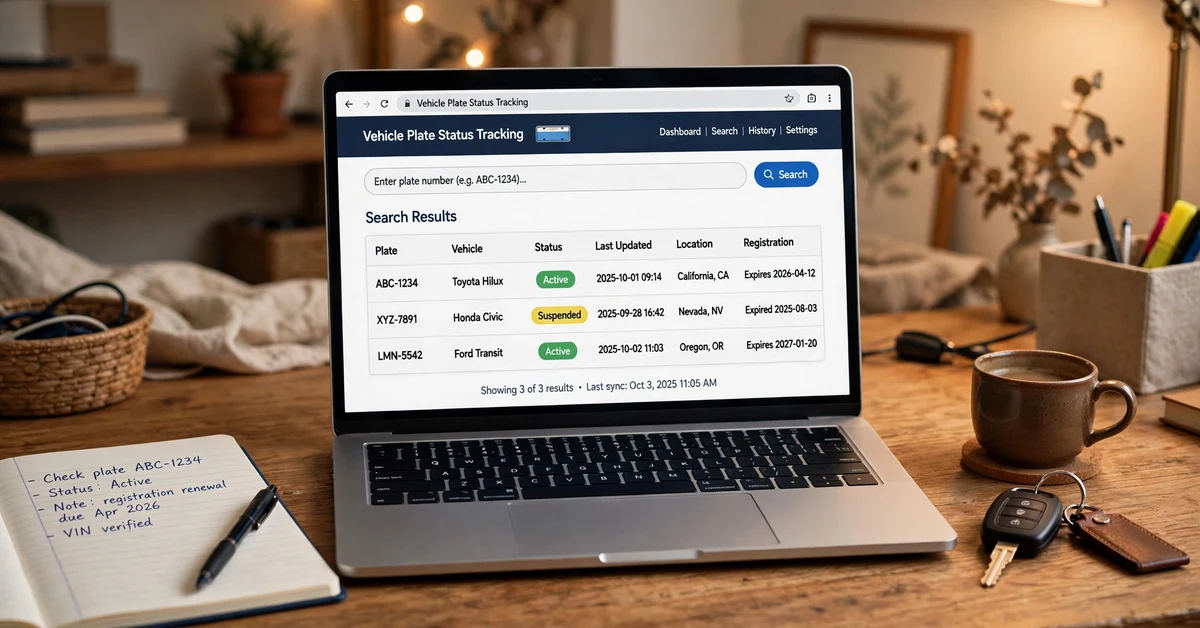
Understanding Your Plate Status Meanings
| Status | What it means |
|---|---|
| Processing | Your plate is still being manufactured or encoded. |
| Ready for pickup | Your plate is at the LTO office — claim it with your OR/CR. |
| For delivery – Out for delivery | Your plate is on its way. Check the plate delivery status page for details. |
| Released | Your plate has been issued. |
What If the Tracker Shows No Record?
- Encoding delay — newly filed records can take days to appear.
- Wrong number entered — double-check your 15-digit MV file number.
- Unrenewed registration — an expired registration may not show current records.
If the problem persists, contact your nearest LTO office with your OR/CR.
Frequently Asked Questions
Where do I find my MV file number?
On your Certificate of Registration (CR) — the 15-digit number printed near the top.
Is the LTO plate number check free?
Yes. Checking through the official LTO tracker is completely free — never pay a third-party site for a basic status check.
Why is my plate number not found in the tracker?
Usually encoding delays, a mistyped MV file number, or unrenewed registration. Verify your digits and try again after a few days.
How often is the LTO tracker updated?
Varies by region and backlog; if unchanged for weeks, follow up with your dealer or the LTO office.