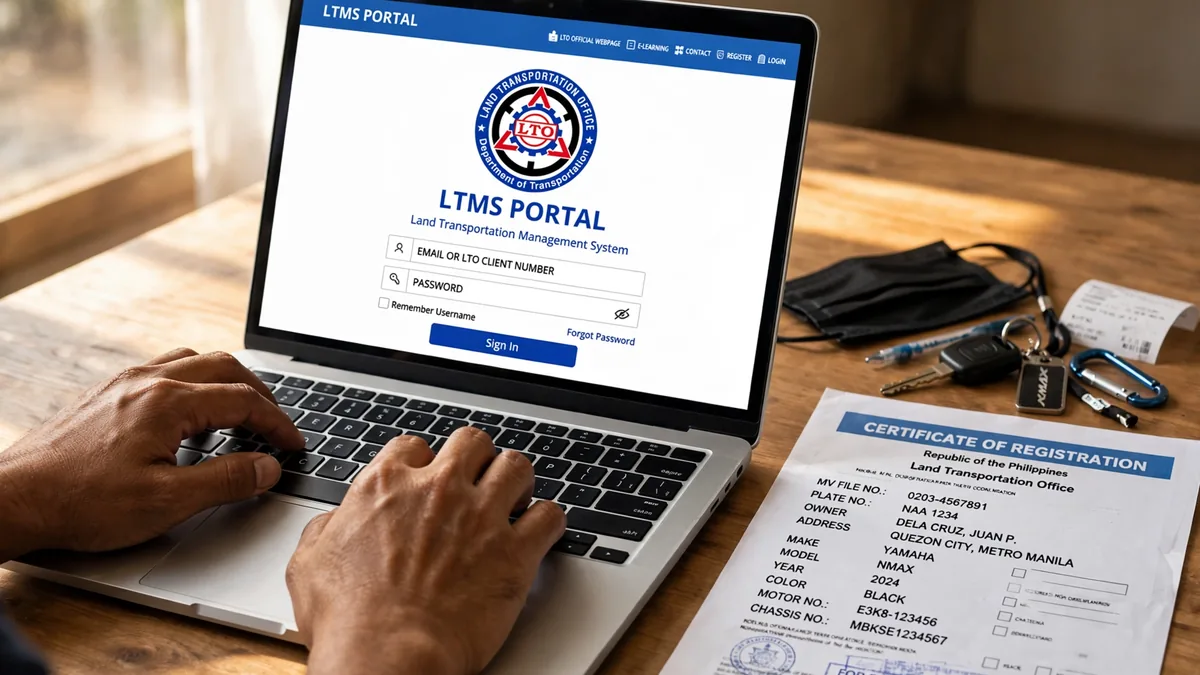
In short: The LTMS Portal is the official online platform of the Land Transportation Office. Filipino vehicle owners can renew registration, check violations, and manage records through it. This guide shows how to register, log in, and use its main services.
Key Takeaways
✓ The only official LTMS Portal is portal.lto.gov.ph, run by the LTO.
✓ Creating an LTMS Portal account is free for all Filipino vehicle owners.
✓ You need a valid email address and mobile number to register successfully.
✓ Through the portal you can renew registration and check alarms or violations online.
✓ If you forget your password, use the recovery option to reset it securely.
On this page
What Is the LTMS Portal?
LTMS stands for Land Transportation Management System, the LTO’s official digital platform. The Land Transportation Office runs it under the Department of Transportation. Motorists complete many online transactions through the portal without visiting a branch. It serves drivers and vehicle owners across NCR and all Philippine regions.
Before LTMS, every LTO transaction required a long visit to a district office. Today, the portal lets you finish several steps from your phone or computer. Some transactions still need an in-person appearance, which the portal will clearly indicate.
New car owners, motorcycle riders, and fleet operators all benefit from an account. Even first-time applicants can start requirements and forms through the portal today. Registration takes minutes, yet it unlocks years of convenient online transactions. Think of it as your digital window into every LTO record you own.
How to Register for an LTMS Portal Account
LTO portal login registration is free and takes only a few minutes online. Prepare a valid email address and an active mobile number before you begin.
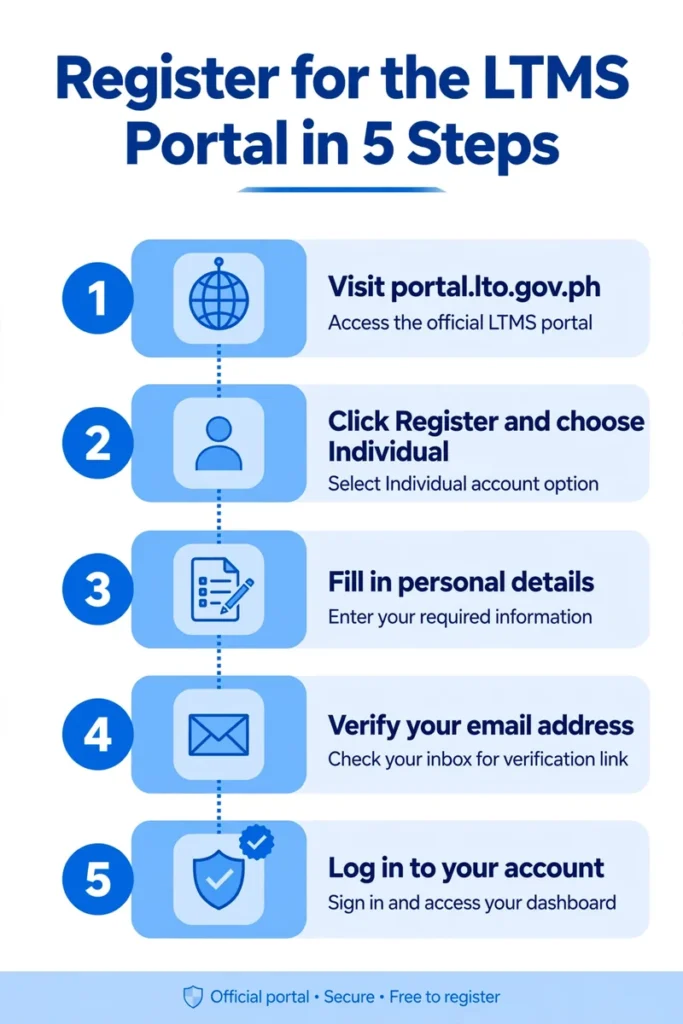
After your first login, complete your profile with your license and vehicle details. Link your vehicles so their records appear automatically on your personal dashboard. Double-check every detail, since errors can delay your future online transactions.
Keep your login details private and never share your password with anyone else. The LTO will never ask for your password by email, text, or phone.
LTMS Portal Login: Step by Step
The LTMS online portal login page opens all your LTO online transactions. Use the same email and password you created during your initial registration.
Always log out after finishing, especially when using a shared or public computer. If the site loads slowly, try again later instead of creating duplicate accounts.
Services You Can Do on the LTMS Portal
Once logged in, the portal gives you access to several useful online services. Availability may vary, so check the portal itself for the latest service list.
- Renew your vehicle registration and view your OR/CR records online.
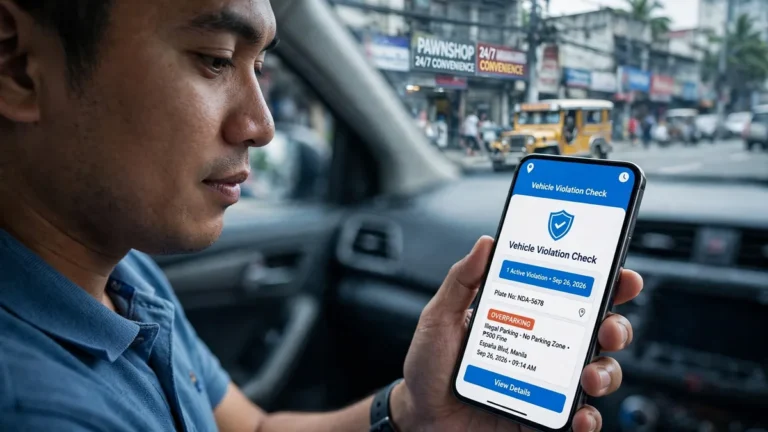
- Check alarms or violations linked to your plate number or MV file number.
- Handle driver’s license transactions such as renewal applications and status updates.
- View your motor vehicle records and confirm details before any LTO visit.
You can also verify conduction sticker details and MV file number records online. These records help buyers confirm a used vehicle’s history before paying.
The portal saves time, but keep your OR/CR copies ready for verification purposes.
Forgot Password or Locked Account?
Forgetting your password is common, and the portal includes a simple recovery process. Follow these steps to regain access to your account quickly.
If recovery fails, visit the nearest LTO office for manual account assistance. Never pay anyone who promises faster recovery, since official help is free.
LTMS Account Setup Tracker
Tap each step as you complete it — watch your progress grow.
- 1Visit the official portalOpen portal.lto.gov.ph on your phone or computer browser.
- 2Choose your account typeSelect Individual and read the terms before continuing onward.
- 3Enter your personal detailsType details exactly as shown on your valid government ID.
- 4Verify email and mobileEnter the codes sent to your inbox and phone number.
- 5Log in and link vehiclesSign in, complete your profile, and link your vehicles.
eGovPH App vs LTMS Portal
The eGovPH app is the official government app linking to LTO services. Both tools are legitimate, but they serve slightly different purposes for motorists.
| LTMS Portal | eGovPH App | |
|---|---|---|
| Access | Website at portal.lto.gov.ph | Mobile app download |
| Focus | LTO transactions and records | Many government services |
| Account | LTMS account required | eGovPH account required |
| Best for | Detailed LTO online transactions | Quick access on your phone |
Download eGovPH only from the official Apple App Store or Google Play Store. Many motorists use both tools together for faster and more convenient transactions.
FAQs
Create your free LTMS Portal account today and manage your LTO transactions online. For plate-specific help, explore our LTO tracker guides and interactive tools. Bookmark this guide so you can return whenever you need quick portal help. Share this guide with fellow motorists who still queue at LTO branches.


4 Comments